1
Plan
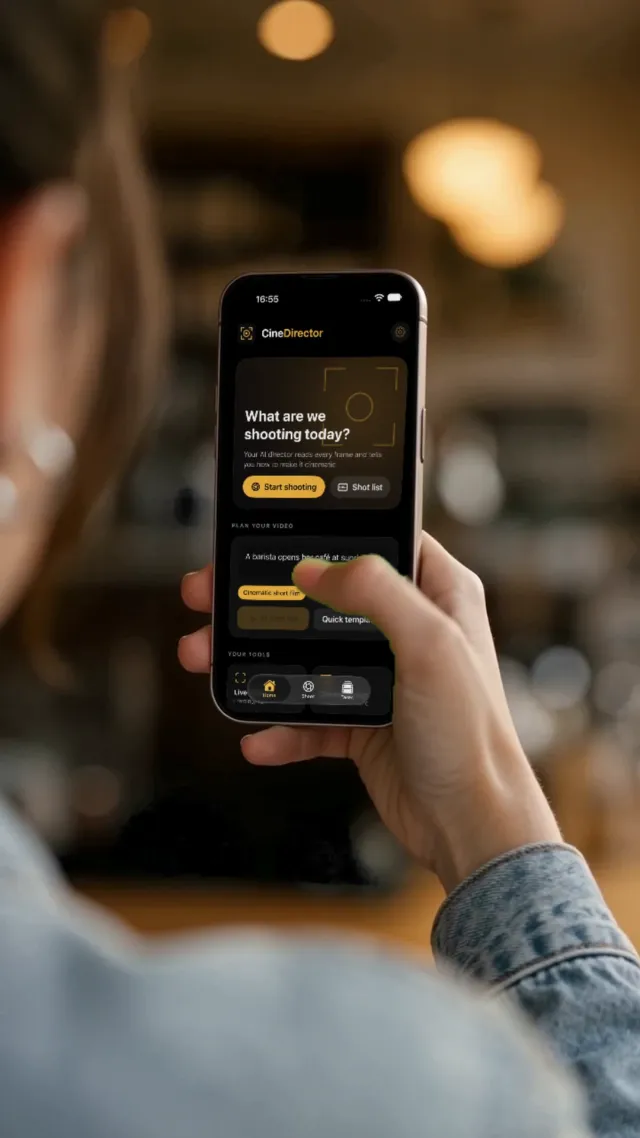
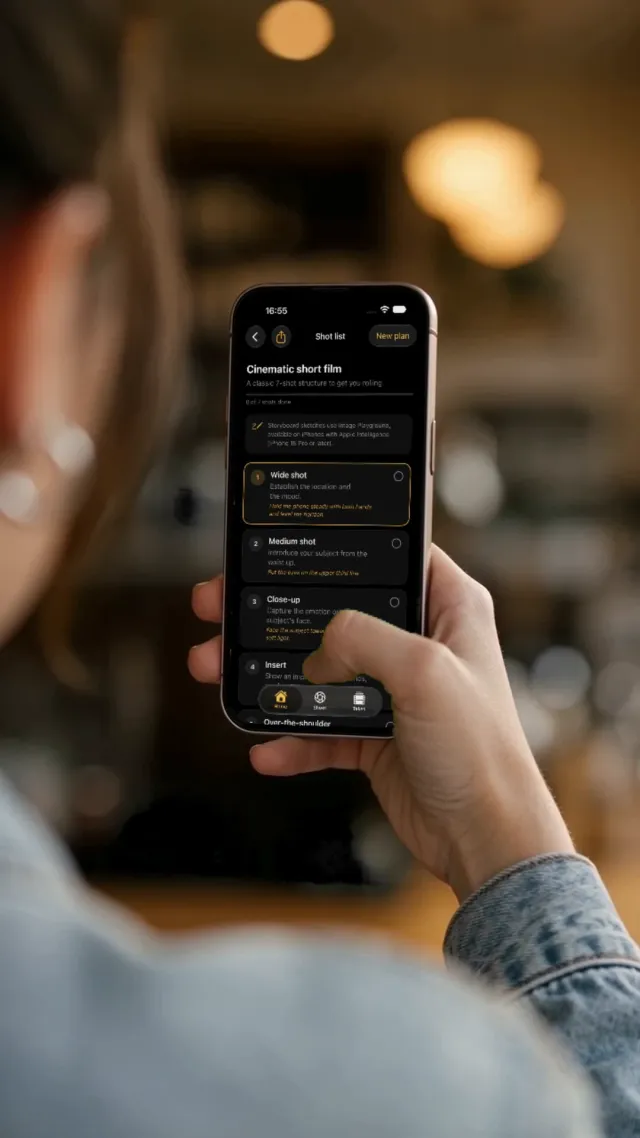
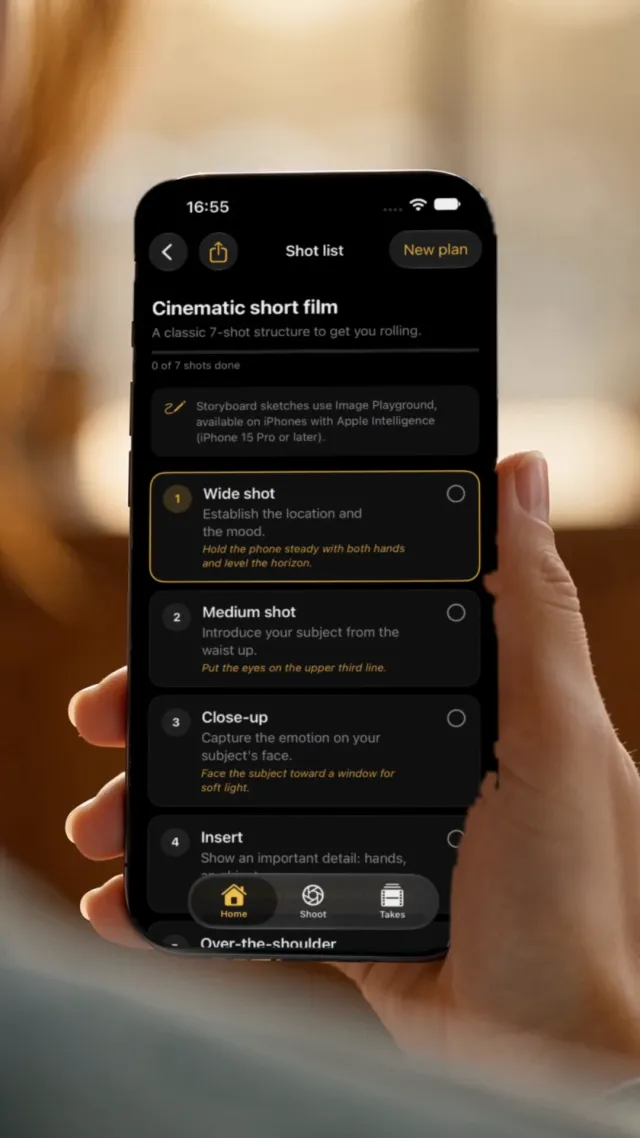
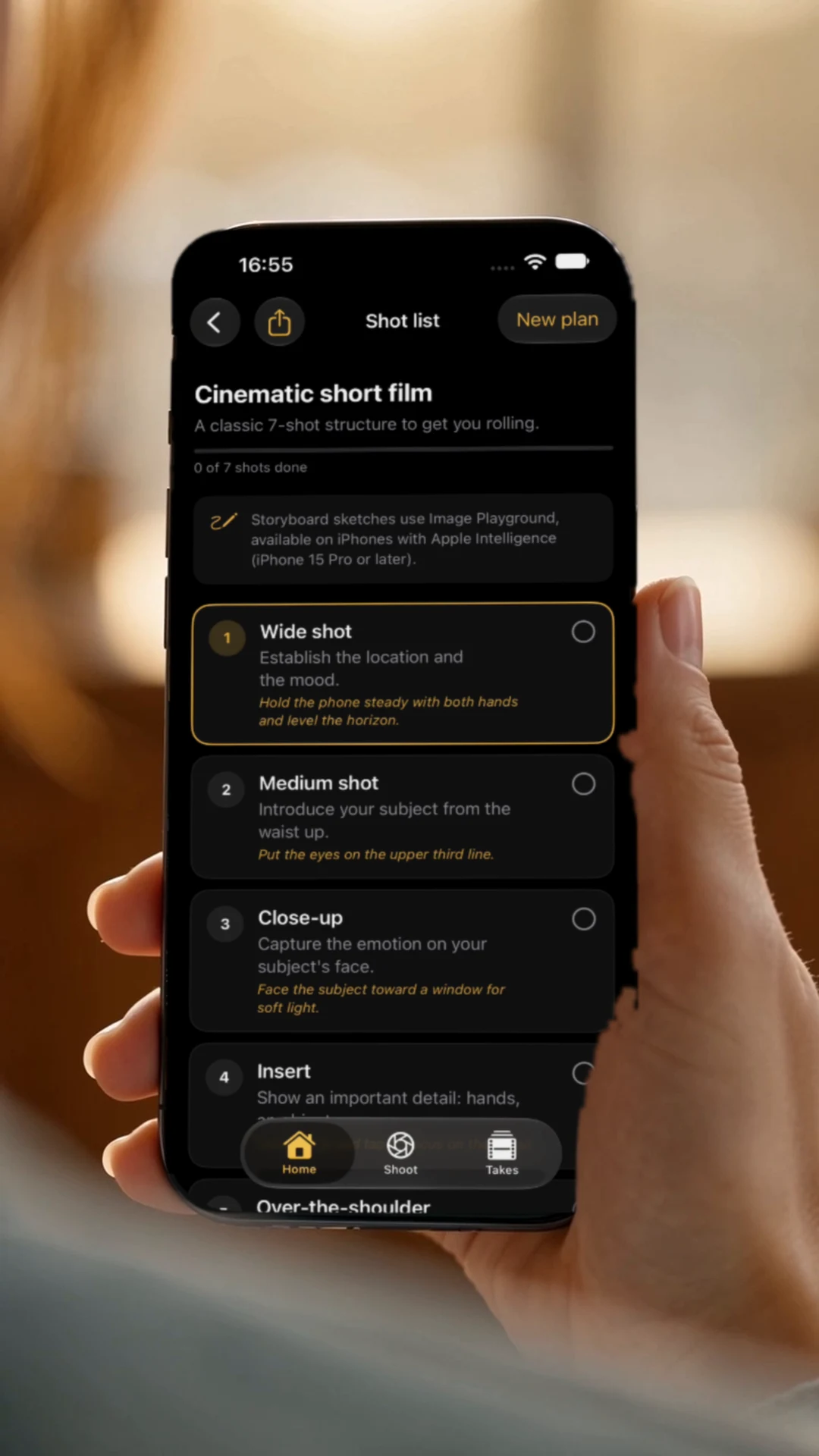
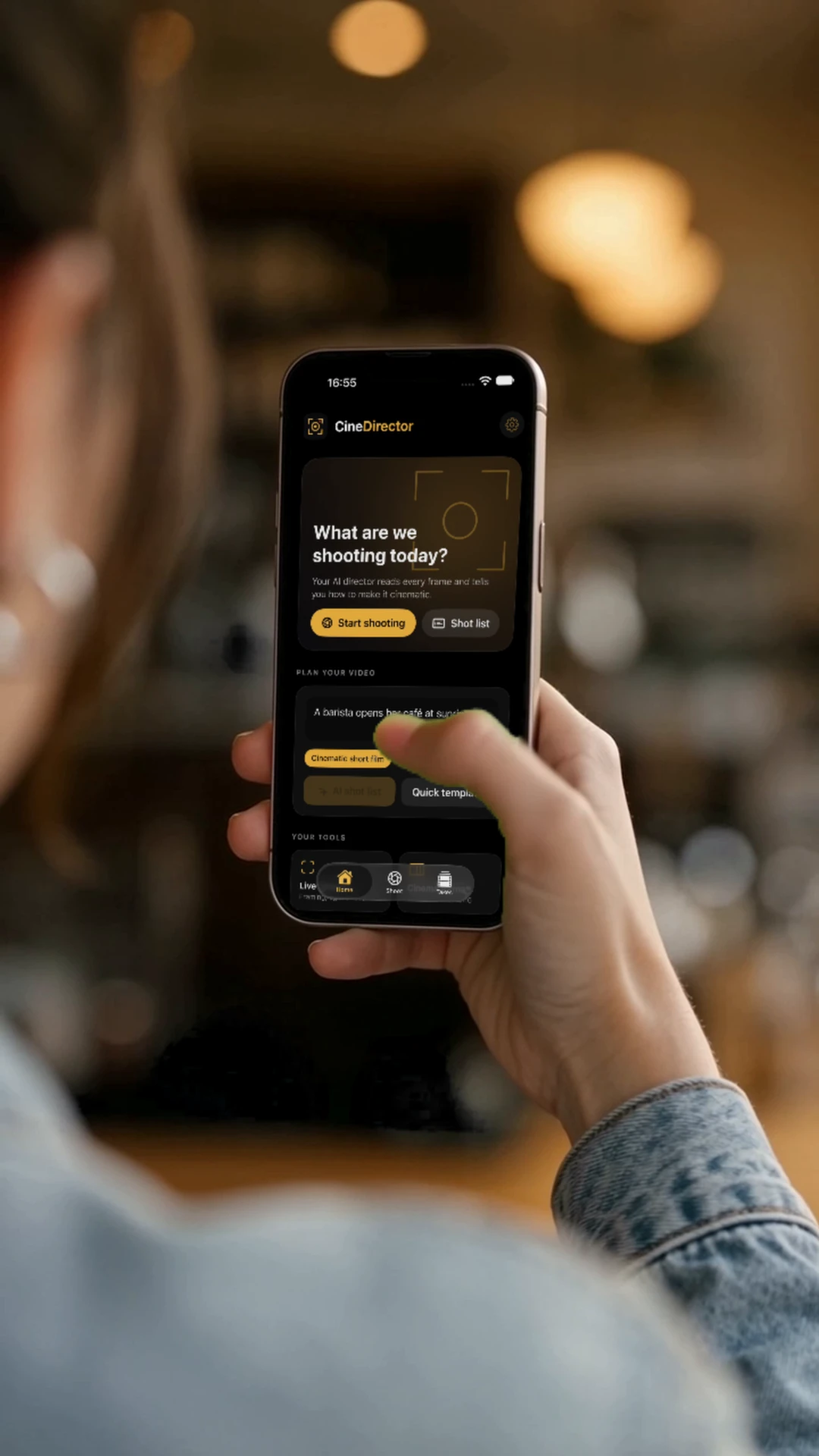
Describe an idea or a whole story. Get a shot list with every size, move and length worked out.
Only on iPhone
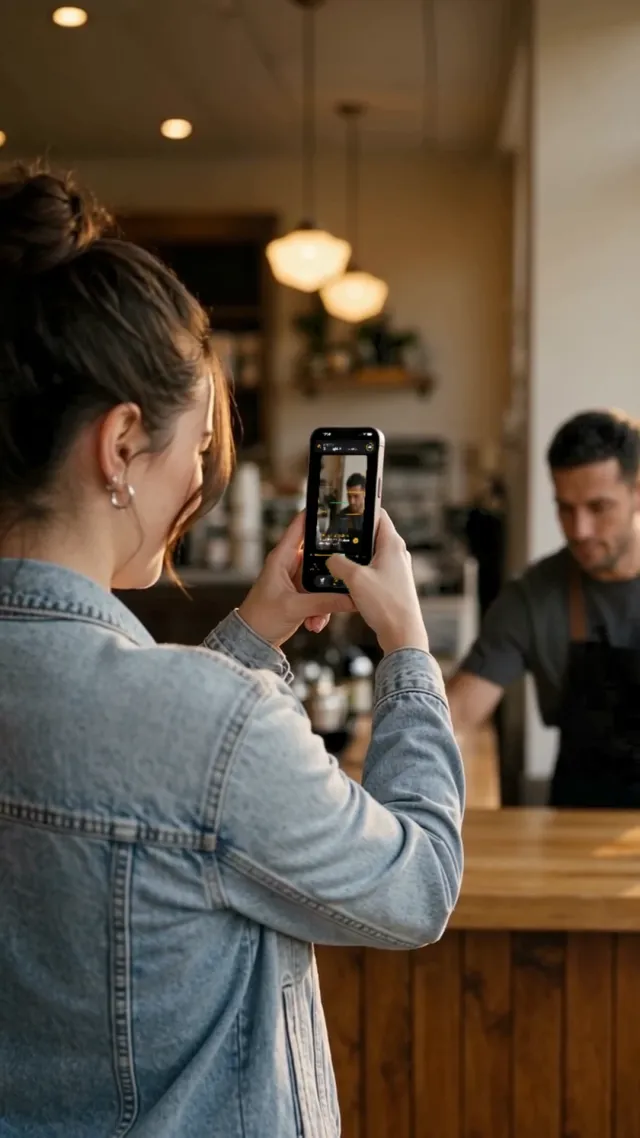
Plan the story, frame every shot, keep the best take — directed live, right on your iPhone.
One-time purchase. No subscription. No account.
Three steps from an idea to a finished rough cut — with a director beside you the whole way.
Describe an idea or a whole story. Get a shot list with every size, move and length worked out.
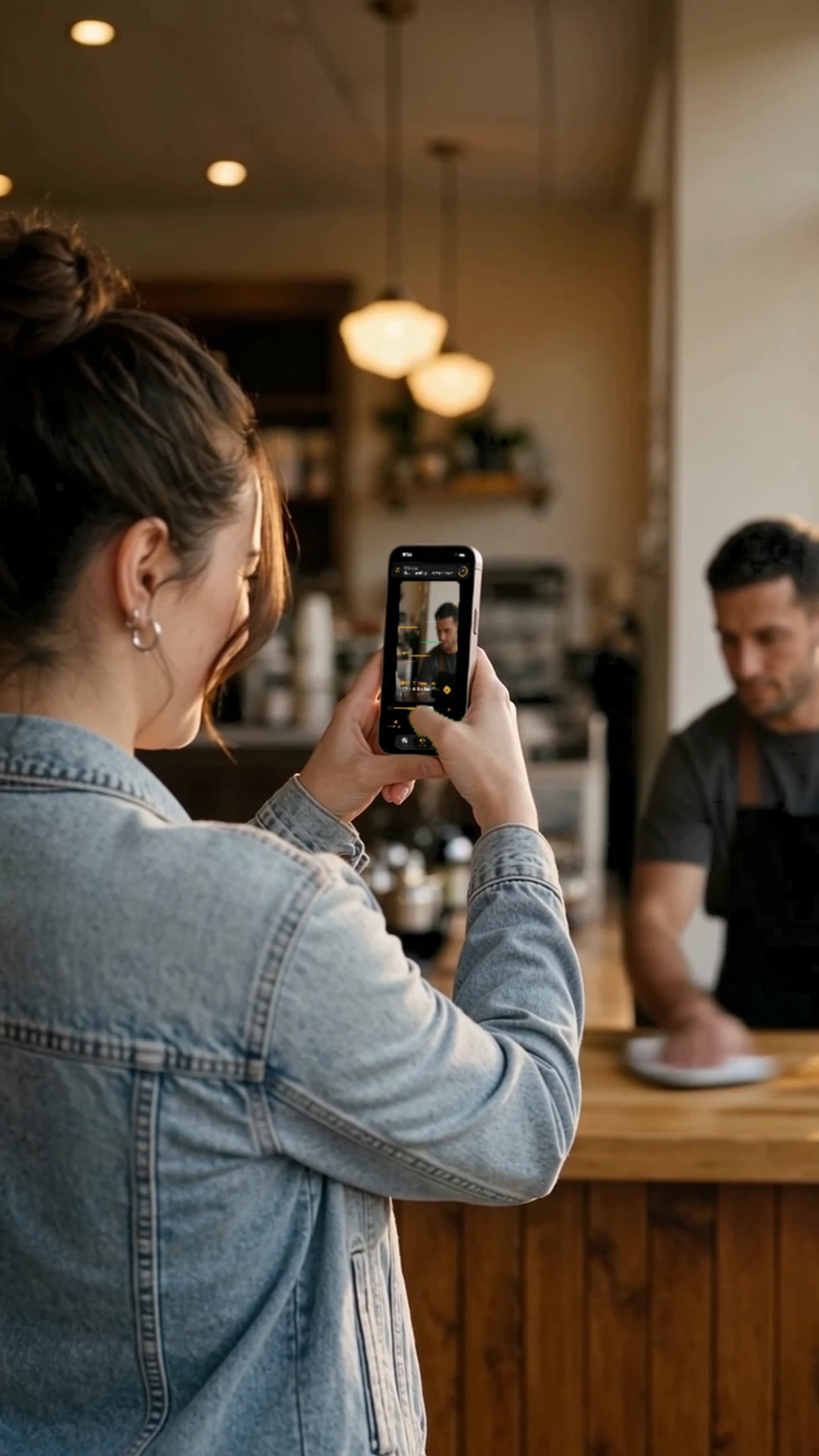
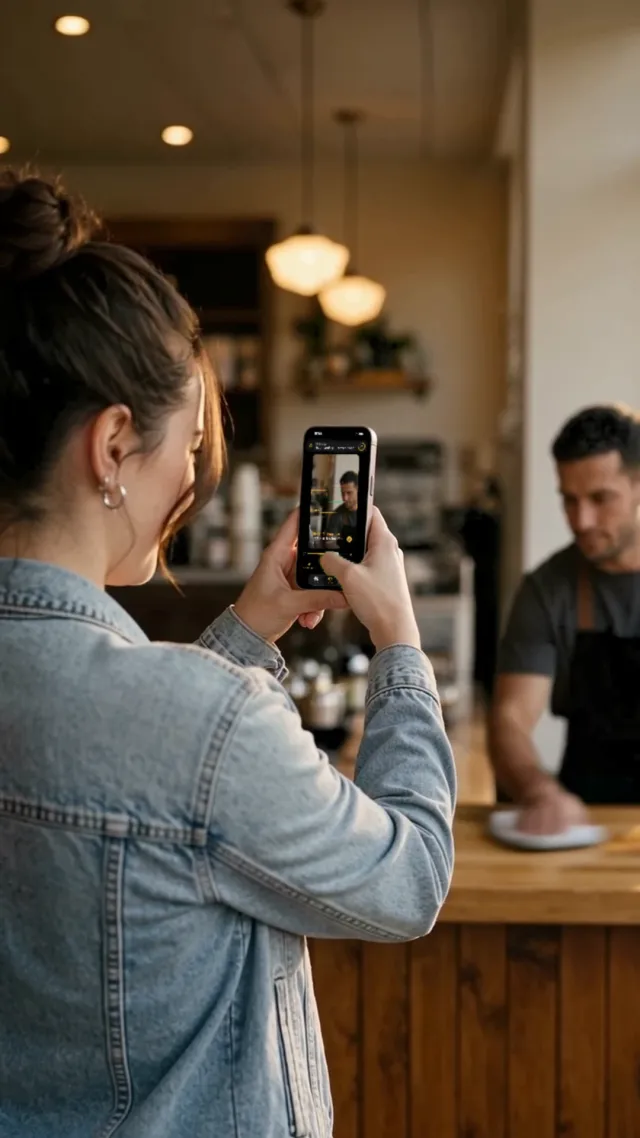
Live notes on framing and light, ghost guides to hit your mark and a coach for every camera move.
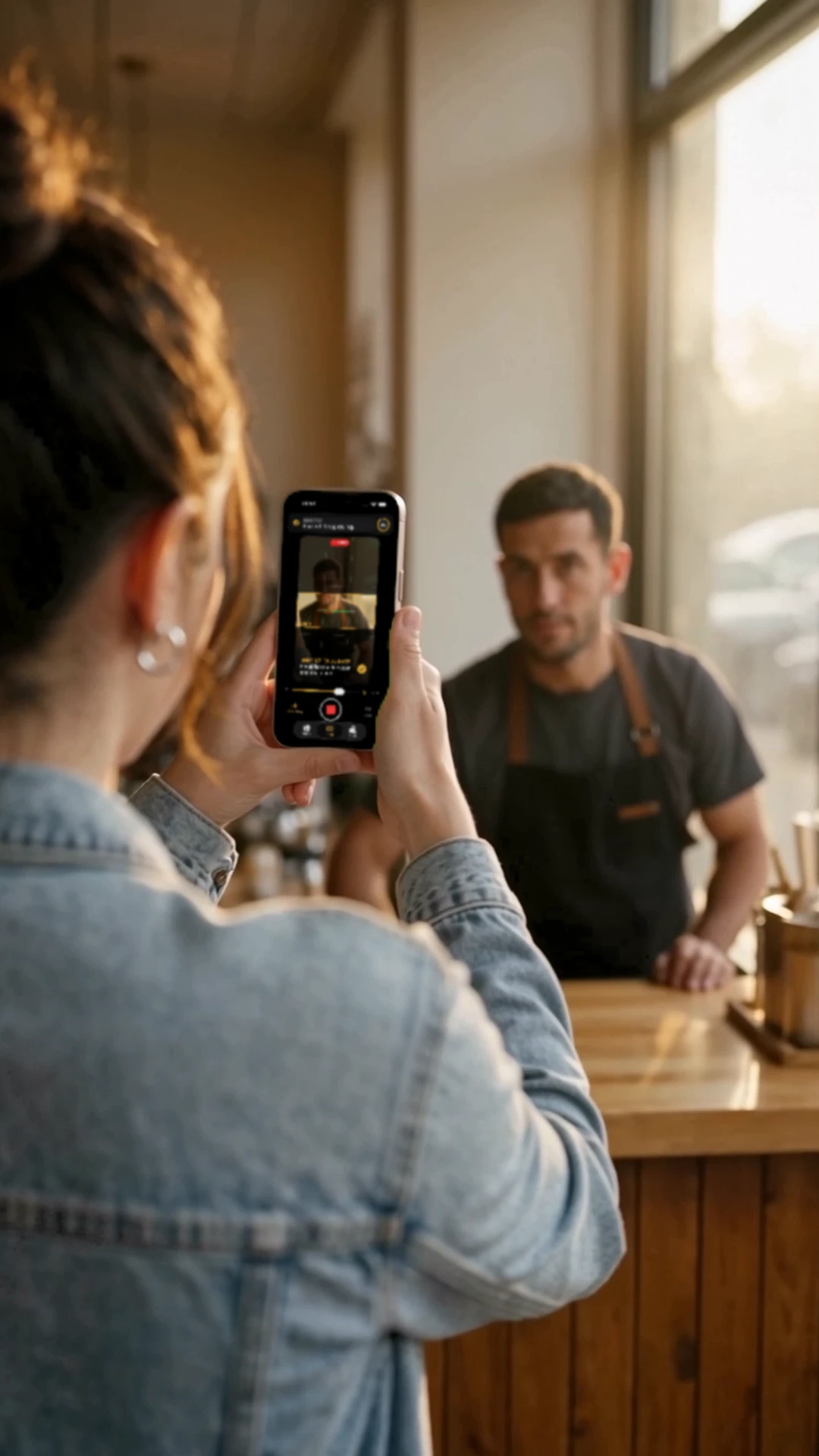
Keep only the good takes. Your best take of every shot, in story order, as one rough cut.
Type an idea — or paste a whole story. Apple Intelligence, running on your iPhone, breaks it into shots with the size, camera move, subject position and length for each one.


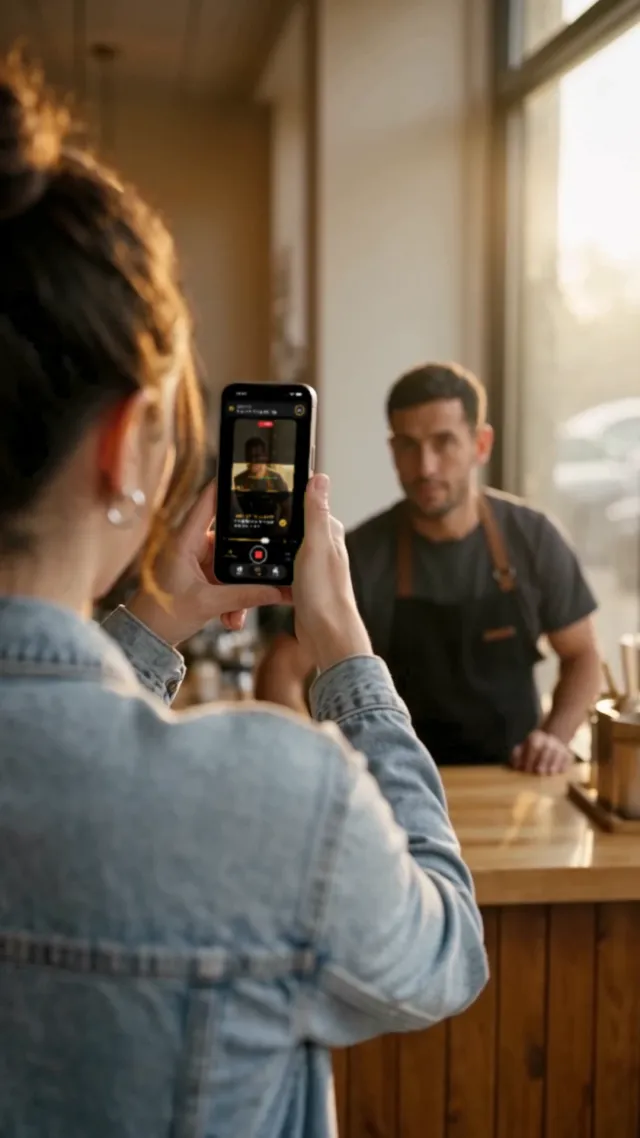
While you shoot, CineDirector watches framing, light, backlight, level, distance and soft focus — then tells you the one thing that matters right now.

A see-through silhouette shows exactly where your subject belongs for each shot. Simple directions get you there — and the guide turns gold the moment you’re on the mark.
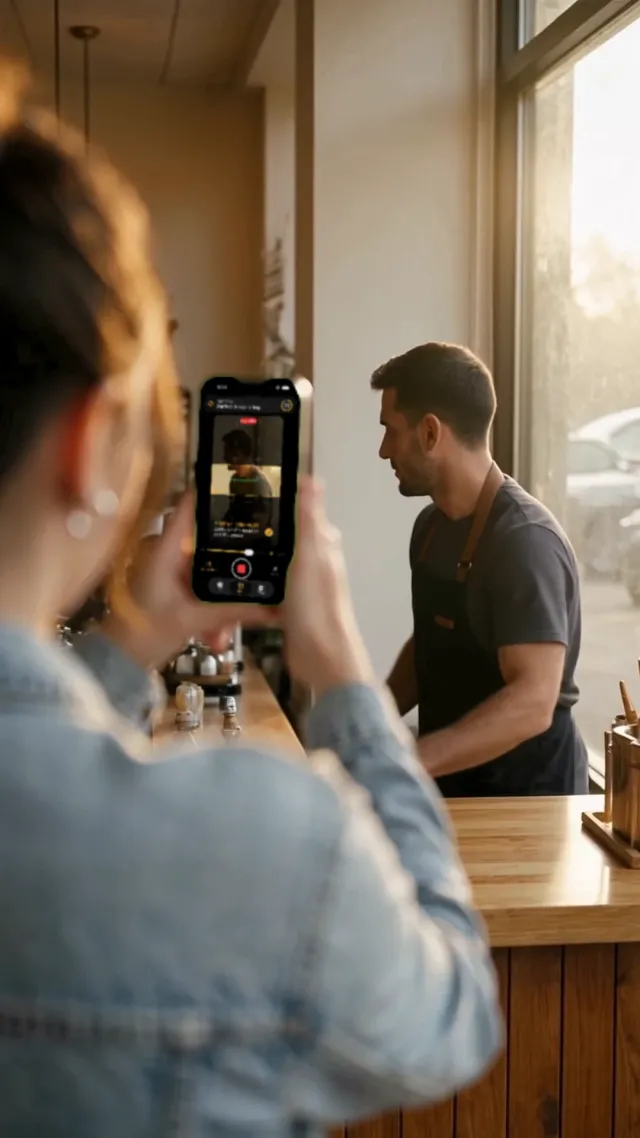
Pans and tilts are measured live with the gyroscope. A pace ring shows how fast to move, and the coach keeps you on time: “Keep going”, “Slower”, “Hold it there.”
Cut, and the director calls it: a score, what went wrong, and a simple choice — Retake or Good. Only good takes go to Photos, and every take stays grouped by shot.
The best take of every shot, lined up in story order and exported as a single rough cut — ready to share or finish in your editor.
Nine looks, previewed live in the viewfinder, so you can light and frame for the mood you want.

Full control when you want it — from frame rate and codec to anamorphic-style 2.39:1, with depth and distance read live.


Keep both hands on the phone. Say “Action”, “Cut” or “Next shot”, and turn on spoken director notes if you want them in your ear. Works with Siri Shortcuts, too.

Short films made to show CineDirector on set. Tap to play with sound.
Every frame, every shot list, every take is processed on device. Your footage and your ideas never leave your phone.
One price. No subscription. Everything included.
 Coming soon
AI shot lists and storyboard sketches use Apple Intelligence, so they need an iPhone with Apple Intelligence (iPhone 15 Pro or later). Everything else — the live director, ghost guides, move coach, looks, camera and voice — works on all supported iPhones.
Yes. You can build a shot list yourself — add, edit, reorder or delete shots — and use every shooting feature. Only the AI-generated shot lists and storyboard sketches need Apple Intelligence.
See-through silhouettes that show where your subject should be for Wide, Medium, Close-up, Over-the-shoulder, Two-shot, Insert and Tracking shots. The guide turns gold when your subject is on the mark.
Every take is kept in the app, grouped by shot. Only the takes you mark as Good are saved to your Photos library. Nothing is uploaded anywhere.
Yes. “That’s a wrap” puts your best take of every shot in story order and exports it as one rough cut.
Yes. Everything runs on your iPhone, with or without a connection. There’s no account and no cloud.
No. CineDirector is a one-time purchase on the App Store. There are no in-app purchases, and all features are included.
No. CineDirector is built exclusively for iPhone.